




Findem, wherever you're already working.
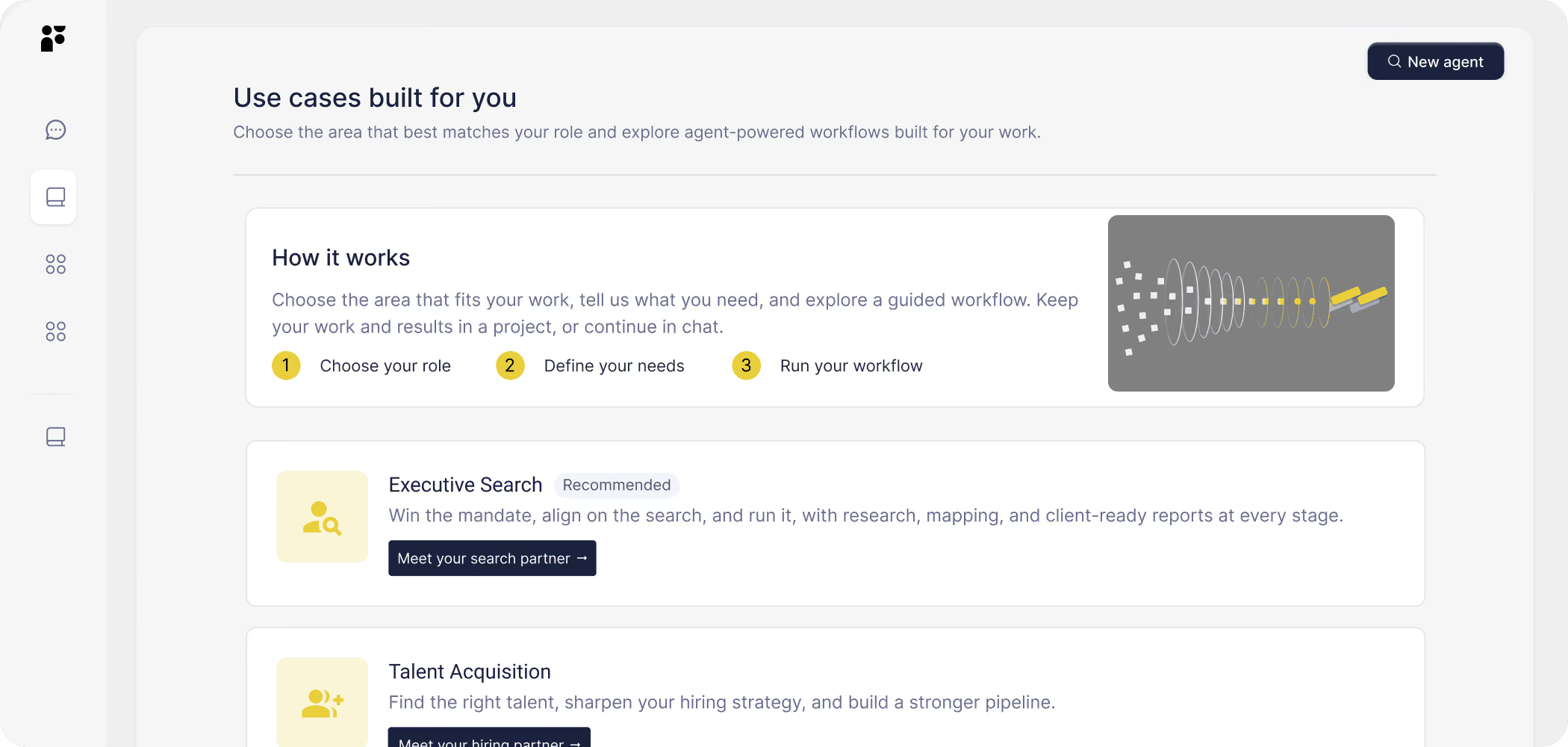
Two Chrome extensions that bring Findem's sourcing intelligence and network data into LinkedIn, your inbox, and everywhere else you research candidates and contacts — without switching tabs.

Context, without the switching.

Findem Extension: For recruiters and sourcers
When you visit a LinkedIn profile, the Findem Extension surfaces that candidate's enriched Findem profile alongside it: contact information, full career history, Success Signals, and which active search they belong to. Shortlist them, start outreach, or build a lookalike search — without leaving LinkedIn.
Add Findem to Chrome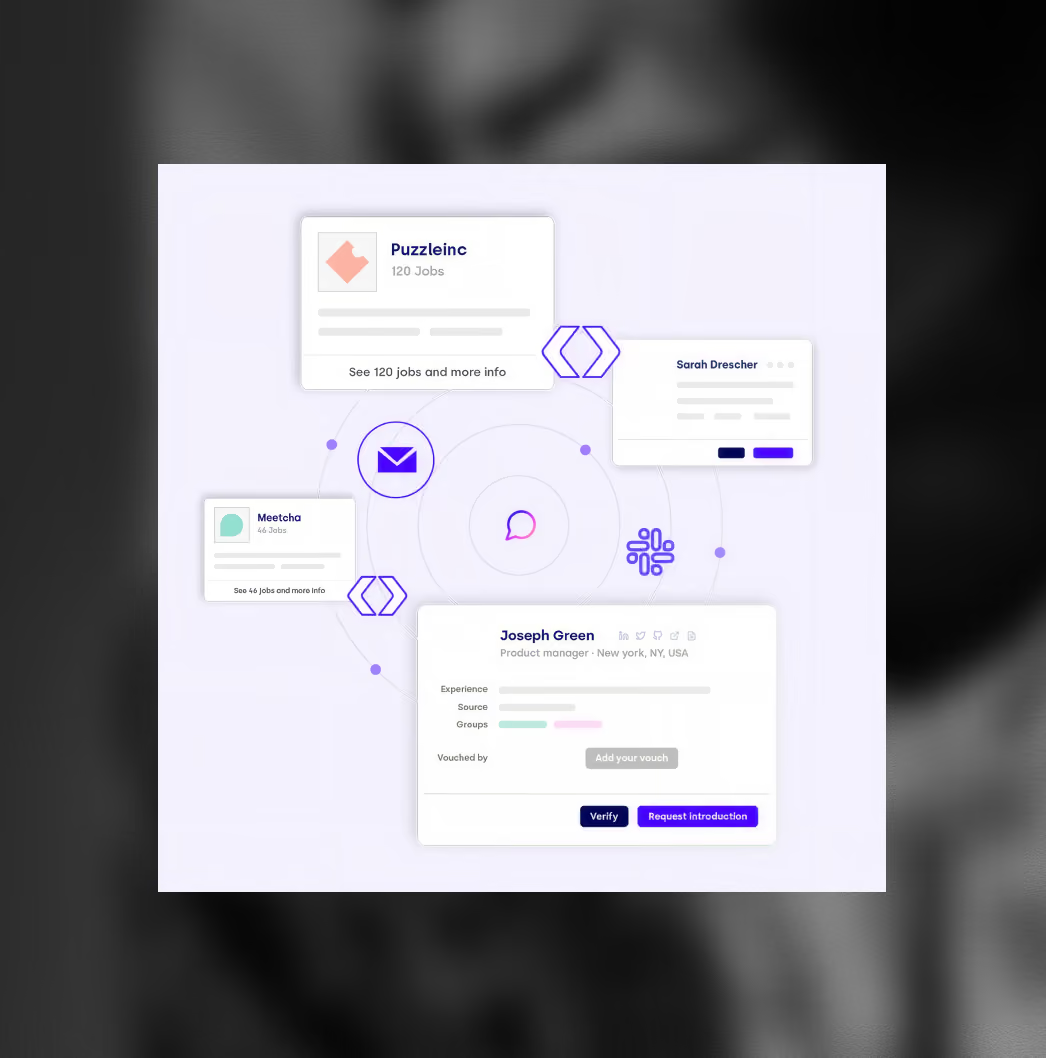
Getro Contact Sync: For fund and network teams
The Getro Contact Sync extension adds every LinkedIn profile you visit to your fund's centralized contact database — tagged, noted, and immediately searchable by every partner on your team. When a founder needs an intro, you see which team member has the real connection and can route it in one step rather than posting in Slack and waiting for replies.
Add Getro to Chrome
What you can do with Findem in your browser
- Shortlist any LinkedIn profile directly into an active Findem search
- Surface enriched profile data, contact info, and Success Signals while browsing LinkedIn and 18 other sites
- Trigger a profile data refresh every time you visit a LinkedIn profile
- Build a lookalike search from any profile with one click
- Track candidate response status from inside Gmail and Outlook
- Add any LinkedIn profile to your fund's contact database with one click
- See relationship strength across your full team's combined network
- Build segmented contact lists for intros, deal flow, or talent sourcing
- Sync contacts from LinkedIn, CRM, or CSV — profiles stay current automatically
Frequently asked questions.


See people in higher resolution.